Turn interest into your next project
Capture enquiries on your website, by phone or on WhatsApp. Bring the details into Reonic so your team can follow up with the right context.
Your first call starts from their answers, not from scratch
Let prospects describe their project before your first conversation. Keep their answers, selected packages and lead source together in Reonic.
Website configurator
Let homeowners choose from your packages and send their project details.
Campaign variants
Give each campaign its own package selection, branding, lead source and assigned salesperson.
Property photos
Ask for the photos your team needs before the site visit.
Short contact form
Some people only want to get in touch. Give them a form that takes a minute.
Source attribution
See where enquiries come from and compare campaigns in your reporting.
Conversion tracking
Use configurator events in your website analytics to measure submissions and funnel steps.
A configurator that presents your packages
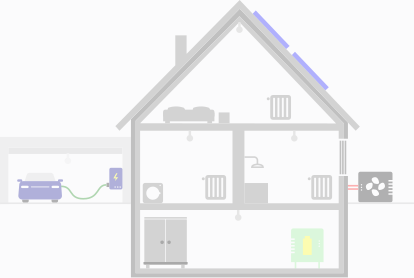
Embed Energy House on your website or campaign page. Homeowners enter their property details, choose packages and send an enquiry directly to your team.
Define packages, components and starting prices
Offer solar, battery storage and EV charging
Offer heat-pump packages
 SolarCraft
 Almost there.
Our offer
All your campaigns, one lead inbox
Run a solar campaign, a partner promotion or a salesperson’s own link. Each variant can have its own presentation and route enquiries to the person responsible.
Add a partner logo and campaign image
Assign a salesperson and lead source
Share a link or use a QR code on printed materials
Collect useful details without a long first call
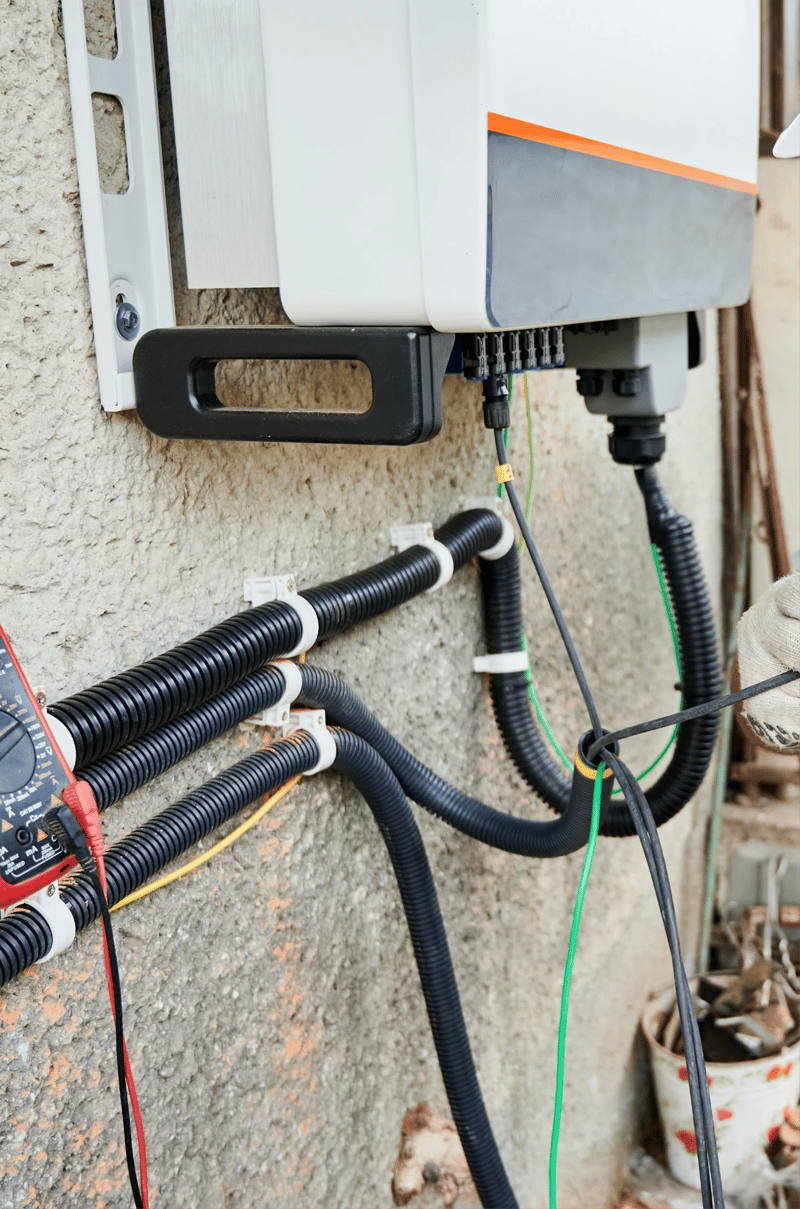
After submitting, homeowners can upload property photos in their browser or switch to their phone with a QR code. For simpler enquiries, embed the short contact form instead.
Keep uploaded photos attached to the enquiry
Receive contact-form submissions as CRM requests
 0,51×3
 VIDEOPHOTO
 IMG 2026-10-21_13-54-09Created 21/10/2026, 13:54IMG 2026-10-21_13-51-22Created 21/10/2026, 13:51
 IMG 2026-10-21_13-49-04Created 21/10/2026, 13:49
More ways to generate leads
Your website is one entry point. Capture interest from phone calls, WhatsApp conversations and connected lead sources in the same CRM.
Call Agent
Turn incoming calls into structured enquiries. The Call Agent captures what the caller needs and creates a request your team can follow up.
Prepare a callback with what the caller said already attached
AI WhatsApp Lead Assistant
Let prospects start a conversation on WhatsApp. The assistant collects the contact details your team needs, creates a request and hands the conversation to your team.
Create a CRM request and hand the conversation to a colleague
Lead integrations





Bring enquiries from your existing lead sources into Reonic. Connect supported providers or use API and automation tools to feed your CRM.
Keep the source visible for follow-up and reporting
Commercial enquiries have a separate form and land in Reonic 360° Commercial.
Explore commercial planningBook a demo. Get to know all products and features.
In a personal product presentation, we'll show you all products and features. Free of charge, no obligation and tailored to your business and needs.

Yes. Embed Energy House on your website, a campaign page or a partner site. Your logo and brand colour carry through to the configurator.
The configurator shows the starting prices you set for your packages. Your team prepares the project-specific quote after reviewing the enquiry.
Yes. Create variants with different products, campaign images or partner logos. Assign a salesperson and lead source to each variant.
The enquiry appears in Reonic as a request with the captured answers and its lead source. Leads from a campaign variant go to its assigned salesperson. Uploaded property photos stay with the enquiry.
Yes. Embed the short contact form when you want a simple enquiry rather than package selection. Submissions become CRM requests with their own contact-form source.