Digital Checklists.
Project Reports.
All in One App.
Save time on every installation and deliver a professional hand-over report to your customers.
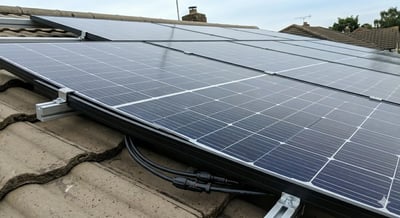
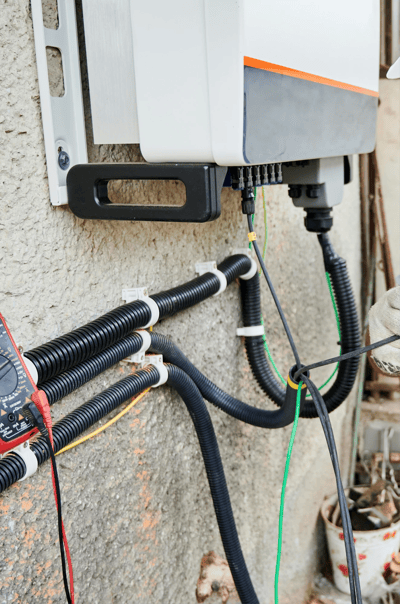
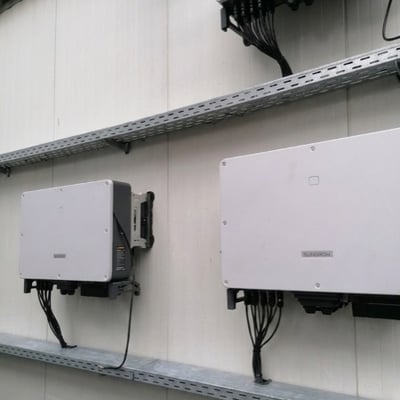
Digital Checklists
Create custom checklists for every project. Ensure no step is missed on site.
Photo Documentation
Capture photos directly on site and assign them to the relevant project.
Digital Signatures
Get protocols and reports signed digitally right on site.
Scheduling
Plan deployments and appointments with integrated calendars for all teams.
Hand-over Reports
Generate professional completion reports with all photos and signatures at the click of a button.
Mobile App
Manage everything on the go from your phone or tablet. Available for iOS and Android.
Manage Installations
Plan and manage installations efficiently with our comprehensive scheduling system. Integrated calendars for all users and teams make it easy to organise site visits and coordinate your workforce.
Detailed progress reports
Integrated electronic signature
Instant sharing of photos and documents from the construction site
Edit Projects on the Go.
Management of quotes and installations. Easier than ever before.
- For iOS and Android
- On the go with phone or tablet
- Create and edit projects, quotes and checklists on the go
- Keep track of appointments, tasks and projects


The right checklist at each stage
Qualify the enquiry, record the site visit and document the installation with separate templates. Keep each team focused on the information they need at that point in the project.
Independent templates for each phase
Separate templates for residential and commercial projects
Ask only what applies to the project
Build checklists with photos, choices and text fields. Make important entries required, and show extra questions only when a previous answer makes them relevant.
Required before completion
Mark the answers a section cannot be closed without, so nothing is signed off half-finished.
Questions that follow answers
Show a block, section or item only when an earlier answer makes it relevant. Hidden items do not count towards completion.
Changed for one project
Adapt a checklist for a single installation without touching the template behind it.
Turn your existing forms into a template
Start with a PDF, a photo of a paper checklist or a CSV. The AI checklist builder creates a draft you can review and edit before saving it as a template.
Add generated content alongside your existing checklist
Available to admins. Contact Reonic to enable the AI builder.
Update templates without starting over
Edit a template and choose which running projects take the new version. Everything already answered, photographed or signed stays exactly where it is.
The plan and parts your installation team needs
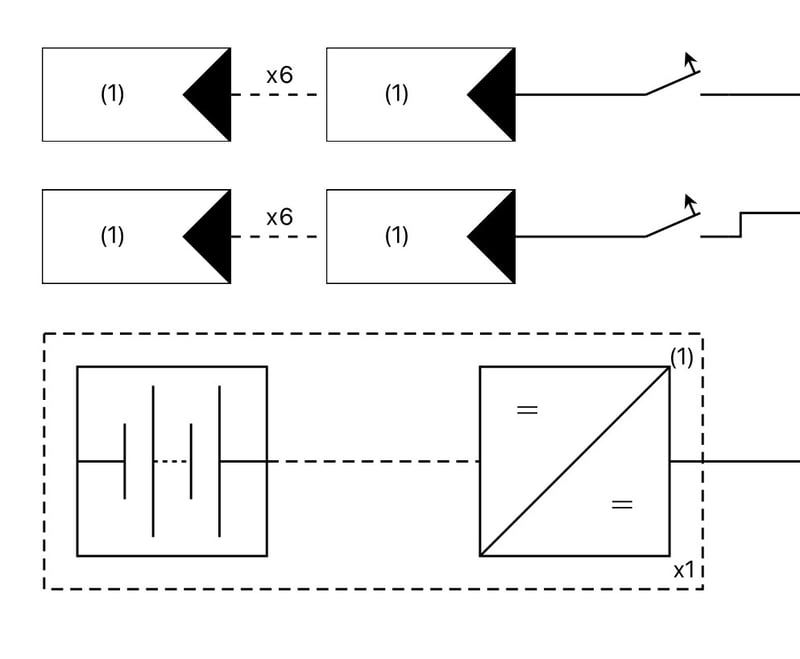
The residential installation workbook brings the selected variant, parts list and planning view together. Add layouts, datasheets and component lists to checklist items so your team can consult them on site in the app.
Reference information inside the mobile checklist
 QueuedQueuedQueued
Capture the details while you work
Attach photos to the relevant checklist item and record measurements or site notes in text fields. Capture photos and checklist entries offline, then sync when a connection is available.
Photos compressed before upload
Progress recorded for each completed section
Share a clear record of the installation
Export checklist documentation as a PDF with recorded notes and photos. Questions hidden by your checklist rules stay out of the export, so the document reflects the work that applies to this project.
Book a demo. Get to know all products and features.
In a personal product presentation, we'll show you all products and features. Free of charge, no obligation and tailored to your business and needs.

Installation Management covers the digital planning, execution, and documentation of installation projects. With Reonic, you manage checklists, photo documentation, and hand-over reports in one app.
Yes. Qualification, consultation and site documentation each have their own template. You can also keep separate templates for residential and commercial projects.
Yes. Templates can show blocks, sections or items based on an earlier answer. Hidden items do not count toward completion and are excluded from the checklist PDF.
Yes. Admins can use an existing PDF, image or CSV to generate a draft template, then review, edit and save it. Contact Reonic to enable the AI checklist builder for your workspace.
For residential installations, the workbook shows the selected variant, its parts list and the planning view. Layouts, datasheets and component lists can also be included as reference items in mobile checklists.
Yes, the Reonic app stores data locally and syncs automatically once an internet connection is available again.
Based on your completed checklists, photos, and signatures, Reonic automatically generates a professional hand-over report as a PDF.
The Reonic app is available for iOS and Android. You can also use it in the browser on any device.