Reonic on the go
The Reonic app brings your project management to the job site – documentation, tasks, and communication right in your hand.
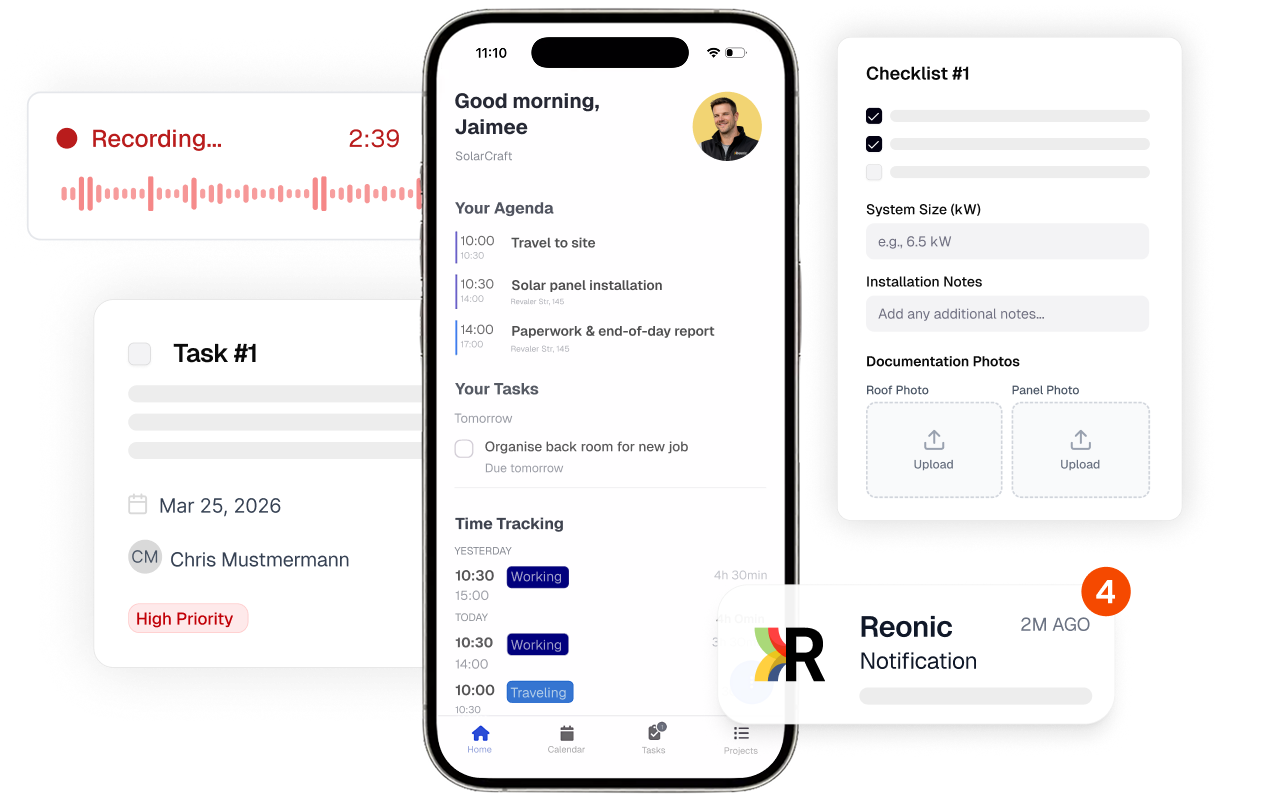
Your office – always with you.
With the Reonic app, you always have all project information, tasks, and documents at your fingertips – even without an internet connection.
Job site documentation
Capture photos and notes on-site and assign them to the project.
Task management
Create and assign tasks and track progress in real time.
Photo upload & assignment
Automatically assign photos to the right project and work step.
Checklists
Work through standardised checklists for every installation step.
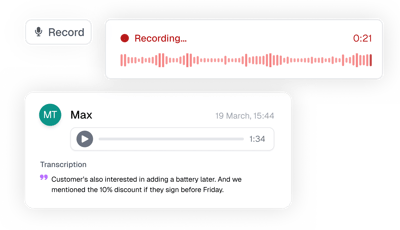
Voice memos with transcription
Document appointments and additional info via voice recording – automatically transcribed and assigned to the project.
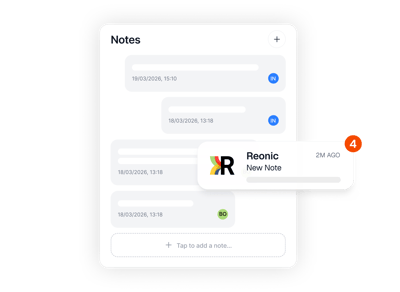
Push notifications
Instantly notified about new tasks, status changes, and messages.
View components in AR
Show heat pumps and other components as 3D models in the customer's room, from the components screen or an offer's parts list. On iPhone and iPad.
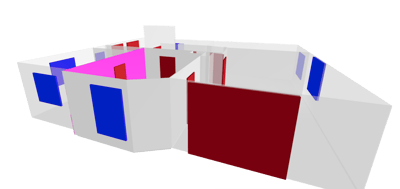
From room scan to floor plan
A LiDAR room scan becomes a floor plan in the portal, with room shapes, wall measurements, and room sizes. Save it to the offer's files or download it.
Share files into Reonic
Send photos and files from any app straight into a project via the iOS and Android share sheet, into project files or your own files.
Job site documentation right on-site
Capture notes and comments directly at the job site
Document progress and automatically sync it to the office
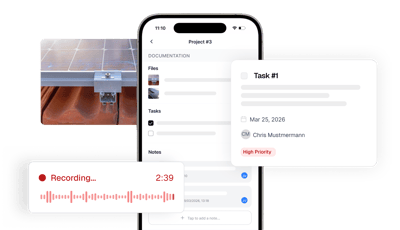
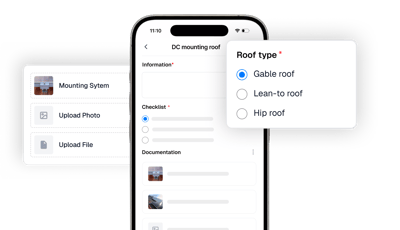
Tasks & checklists always with you
Work through checklists step by step and track progress
Completed tasks are automatically updated in project management
Works where there's no signal
Basements, roofs, new builds without a connection: the app keeps working. Everything you capture is stored on your device and syncs once you're back online.
Photos taken offline show as pending and upload automatically once you're connected, nothing gets lost or duplicated
Heat load data stays readable without a connection
Set task reminders offline, they sync later
Changes from several devices merge automatically, conflicts resolve themselves
Measure rooms in 3D with LiDAR
Scan rooms with the LiDAR sensor in your iPhone or iPad Pro. The app captures walls, windows, and doors in one walk and feeds the measurements straight into the heat load calculation.
Walls, windows, and doors are recognised automatically
Measurements flow directly into the heat load calculation
The scan becomes a floor plan in the portal and can be saved to the offer or downloaded
Talk instead of type – automatically transcribed
Document customer appointments, additional info, or notes simply via voice recording. Reonic automatically transcribes your memo and assigns it to the right project – no editing needed.
Automatic transcription to text – searchable and editable
Ideal for appointment notes, customer requests, and on-site documentation
Audio and transcript stay saved in the project
Always connected – even on the go
Push notifications for important updates and changes
Send customer updates directly from the app
Book a demo. Get to know all products and features.
In a personal product presentation, we'll show you all products and features. Free of charge, no obligation and tailored to your business and needs.

With the Reonic app, installers can manage projects on-site: take photos, create checklists, document installations, track time, and access project details — all directly from your smartphone.
Yes. The Reonic app is available for iOS and Android devices and can be downloaded from the App Store and Google Play Store.
Yes. You can take photos directly in the app and assign them to specific projects — for documentation, progress tracking, and customer communication.
No. The Reonic app is included in your Reonic subscription — at no additional cost.