Design single line diagrams
directly in your planning
Create, edit, and reuse professional single line diagrams without leaving Reonic. Fully integrated into your planning workflow.

Everything you need for professional diagrams.
The Reonic diagram editor gives you full control over your single line diagrams — from quick edits to complex, multi-inverter layouts.
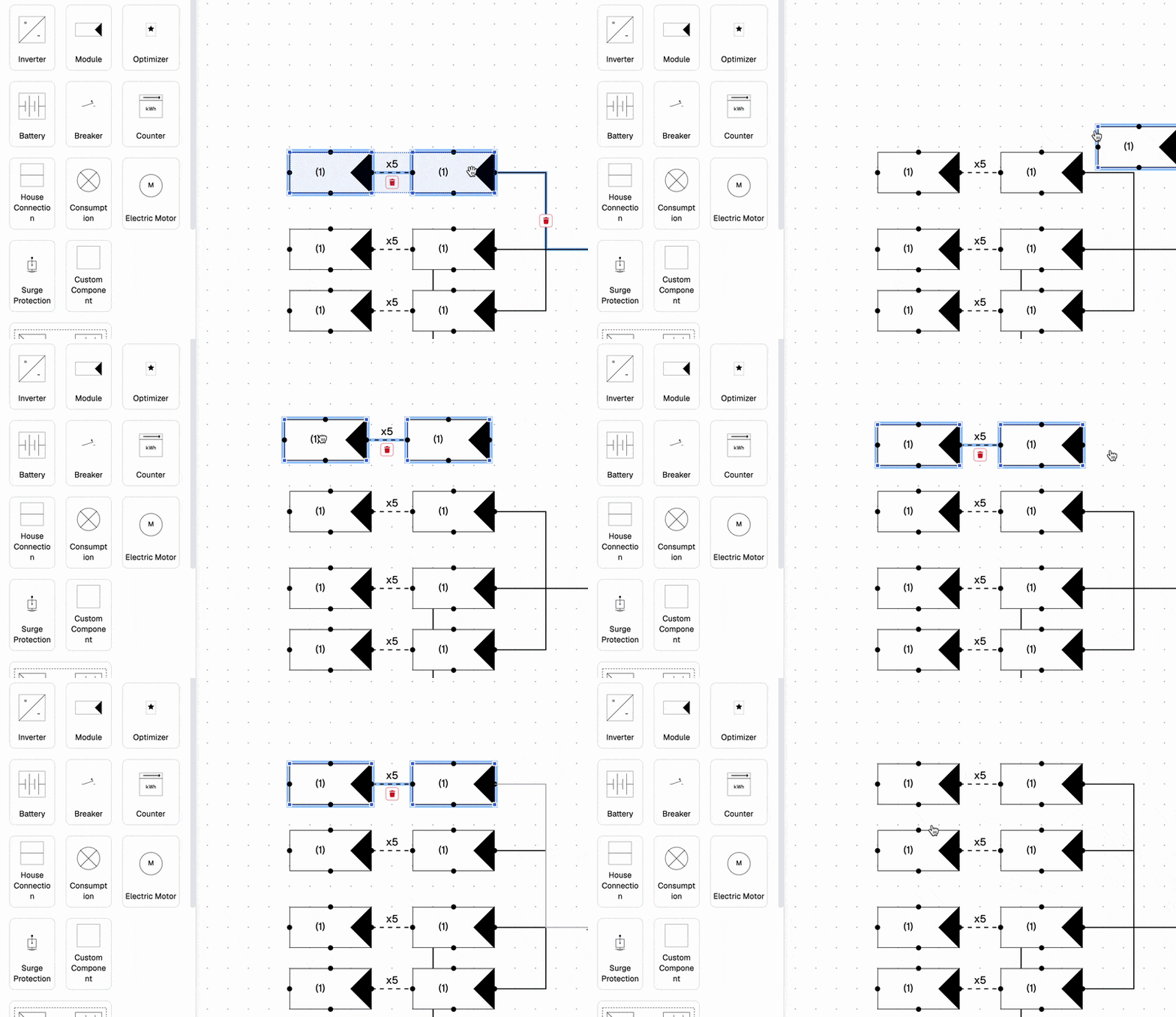
Fully Editable
Modify modules, strings, and inverters. Add new components, copy, paste, or delete existing ones.
Diagram Templates
Save any diagram as a template and reuse it across other systems and projects.
Import Diagrams
Import an existing diagram to use as a starting point — no need to start from scratch.
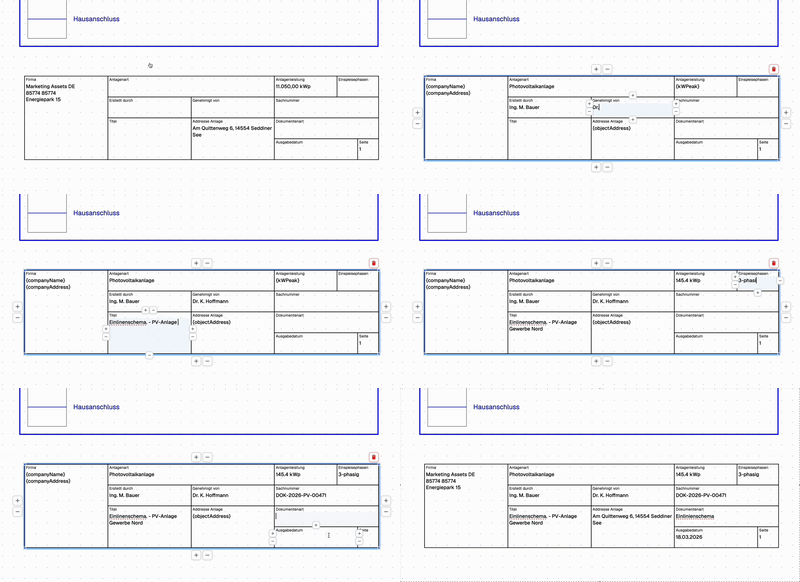
Labels & Descriptions
Add labels and descriptions to each element for clear, self-documenting diagrams.
Custom legends
Create a custom legend to explain each part of the diagram
Full control over every component
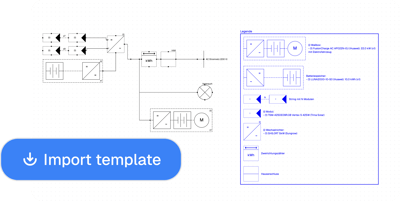
Save time with reusable templates
Document every detail

Frequently Asked Questions
No. The diagram editor is fully integrated into Reonic and accessible directly from any planning with one click — no additional software or subscription required.
Yes. You can save any diagram as a template and apply it to other systems and projects, saving time on recurring configurations.
You can modify modules, strings, and inverters, add new components, copy, paste, or delete existing ones, and add labels and descriptions to each element.
Yes. You can create a custom legend to explain each part of the diagram, making your documentation clear and professional.